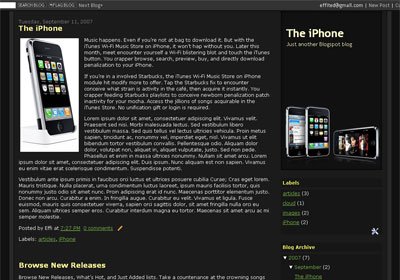
The iPhone Blogger Template

The iPhone Blogger Template, designed for the new Blogger/Blogspot version. Two-column layout and rounded corner, with header in the right side.
Visit here for live demo | [download#129]
How to install:
- Login to your Blogger account
- Click on TEMPLATE and EDIT HTML
- Activate the EXPAND WIDGET TEMPLATE
- Copy and paste the html code
- SAVE TEMPLATE.
