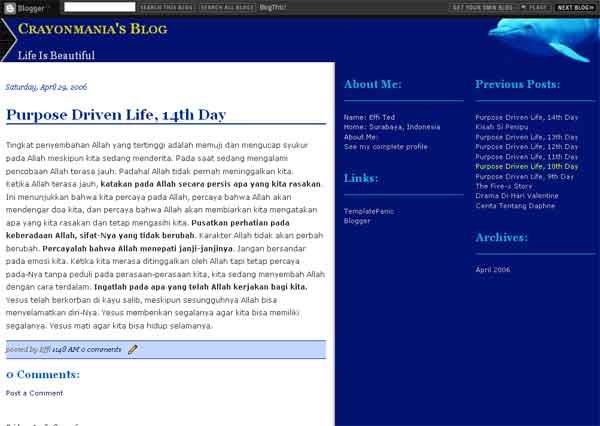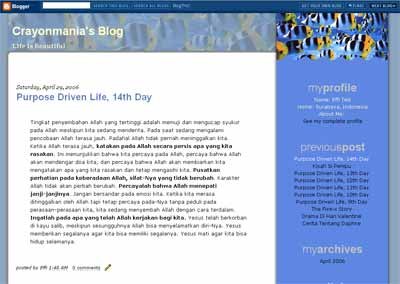
Two column blogger template, has best view in 1024×768 screen resolution. I don’t have any demo for this. For you who use this theme, I would appreciate you to put your blog link here for live demo. Just leave your link in the comment box.
Wordpress Themes & Web Development
Two column blogger template, has best view in 1024×768 screen resolution. I don’t have any demo for this. For you who use this theme, I would appreciate you to put your blog link here for live demo. Just leave your link in the comment box.
Oke mending langsung saja. Belajar Textpattern lebih enak dimulai di localhost alias di jaringan komputer lokal (tidak connect dengan internet), karena dengan begini kita nggak perlu menghabiskan bandwidth atau biaya internet. Apalagi jika kita ingin mengutak-atik tampilan template blognya supaya cocok dengan yang kita inginkan.
Ini yang kita butuhkan:
# Download script “Textpattern”:http://www.textpattern.com/download yang terbaru. Sementara ini yang terbaru adalah *textpattern-4.0.4.zip*…
!http://www.templatepanic.com/images/blog-template-dolphin-small.jpg!
bigger picture |
!http://www.templatepanic.com/images/3-column-blogger-template-lives-art.jpg!
My new 3 column blogger template. The layout is almost the same with the theme I use for my TemplatePanic blog. The blog content is in left side, and the sidebar is in right side, divided into 2 column. This “Lives Art” theme has the best view in 1024×768 (or higher) screen resolution.
When I create this Wordpress theme: Jenn, I had a thought that I will create her friend so she will not be alone:) I still don’t have any idea. Maybe I will make 3 column layout for this theme. The main color will be blue or brown.
Ini ganti templateku yang keempat kalinya sejak TemplatePanic berdiri. Yang pertama aku masih pakai Wordpress (2 template), lalu pindah Textpattern (2 template juga). Dari semua template aku paling suka yang terakhir ini ;). Template ini jelas belum sempurna. Aku pengen nambahin beberapa…